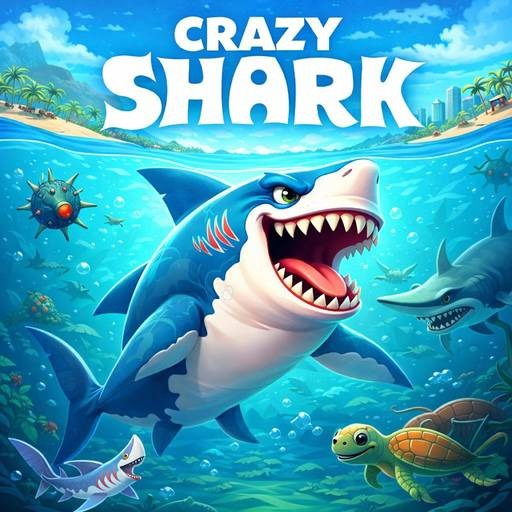

Crazy Shark
Swim through Crazy Shark with quick turns, underwater hazard reading, and a bite-and-dodge rhythm that keeps each ocean run tense.
Category
Ocean Arcade
Rating
4.0 / 5
Votes
1951
What to expect
Ocean arcade action built around shark movement, sudden hazards, and aggressive routes that only work when your timing stays clean.
About Crazy Shark
Crazy Shark is a quick browser game built around shark movement. It works best when you treat each attempt as a short skill run: learn the first hazards, settle into the rhythm, then push for a cleaner score once the pace starts to rise.
The appeal comes from how fast the page gets you into action. You do not need a download or a long setup screen; press Play Now, focus on the game window, and start reading the next move. That makes it a good pick for players who want a compact challenge with enough pressure to reward repeat attempts.
If you like this style, keep Fish Quest and Surfer Cat nearby for another fast session after your run.
How to Play Crazy Shark
Start by clicking Play Now so the iframe loads inside the game panel. Once the game appears, click inside the frame if the controls do not respond right away. Most games in this collection rely on simple keyboard, mouse, or touch input, but the real challenge is timing your decisions before the screen becomes crowded.
Watch the first few seconds carefully. In Crazy Shark, early movement tells you how much space you need for turns, jumps, attacks, or collection routes. Avoid chasing every reward if it puts you in a bad lane. A safer line that keeps control usually beats a risky move that only looks good for a moment.
Use Full Screen when the play area feels cramped. A larger view helps you notice small hazards, judge distance, and react without fighting the browser frame.
Features of Crazy Shark Game
- Fast browser access: The game can launch from the page without a separate installer.
- Clear core loop: Expect underwater hazards and quick feedback after each mistake.
- Replay-friendly pressure: bite-and-dodge rhythm.
- Simple controls, better mastery: ocean danger.
- Good companion picks: The page links to related games so you can move from one challenge to the next naturally.
FAQs
Is Crazy Shark free to play?
Yes. The game page is designed for free browser play, with the iframe loading after you press Play Now.
Why is the game not responding to my keyboard?
Click inside the iframe once. Browser games often need focus before keyboard controls, sound, or action buttons start responding.
Does Crazy Shark work on mobile?
The page is responsive, but the best device depends on the game controls. If a run requires fast steering or multiple keys, a desktop or laptop browser may feel better.
What should I play after this?
Try Fish Quest for a related pace, or switch to Surfer Cat when you want a different kind of quick browser challenge.
Share your tips for Crazy Shark
Leave timing advice, useful shortcuts, bug notes, or quick feedback that helps the next player enjoy the ride.